Business Days Calculator
This business days calculator counts the working days between two dates, or adds business days to a start date, for example to find what date is 2 business days from today. Choose your own weekend days and enter public holidays to leave them out.
Quick answer: A business day is a weekday that is not a weekend or public holiday. To count them between two dates, enter both dates, choose your weekend days and list any holidays. To find a deadline, add working days to a start date: 11 business days after Monday 5 October 2026 is Tuesday 20 October 2026.
How to use the Business Days Calculator
- Pick the calculation. Choose between counting business days between two dates and adding business days to a start date.
- Set weekends and holidays. Select which days of the week are non-working and enter any public holidays to skip.
- Read the result. See the number of working days, or the resulting date, together with the weekends and holidays that were skipped.
Formula & worked example
Formula: Business days = calendar days − weekend days − holidays that fall on working days.
Example: 1–7 January 2024 with Saturday/Sunday off and 3 January a holiday: 7 − 2 − 1 = 4 business days.
Method & source: ISO 8601 weekday numbering; weekends and holidays are user-defined. See how we test our calculators.
Next step: try total days between two dates or work hours with breaks.
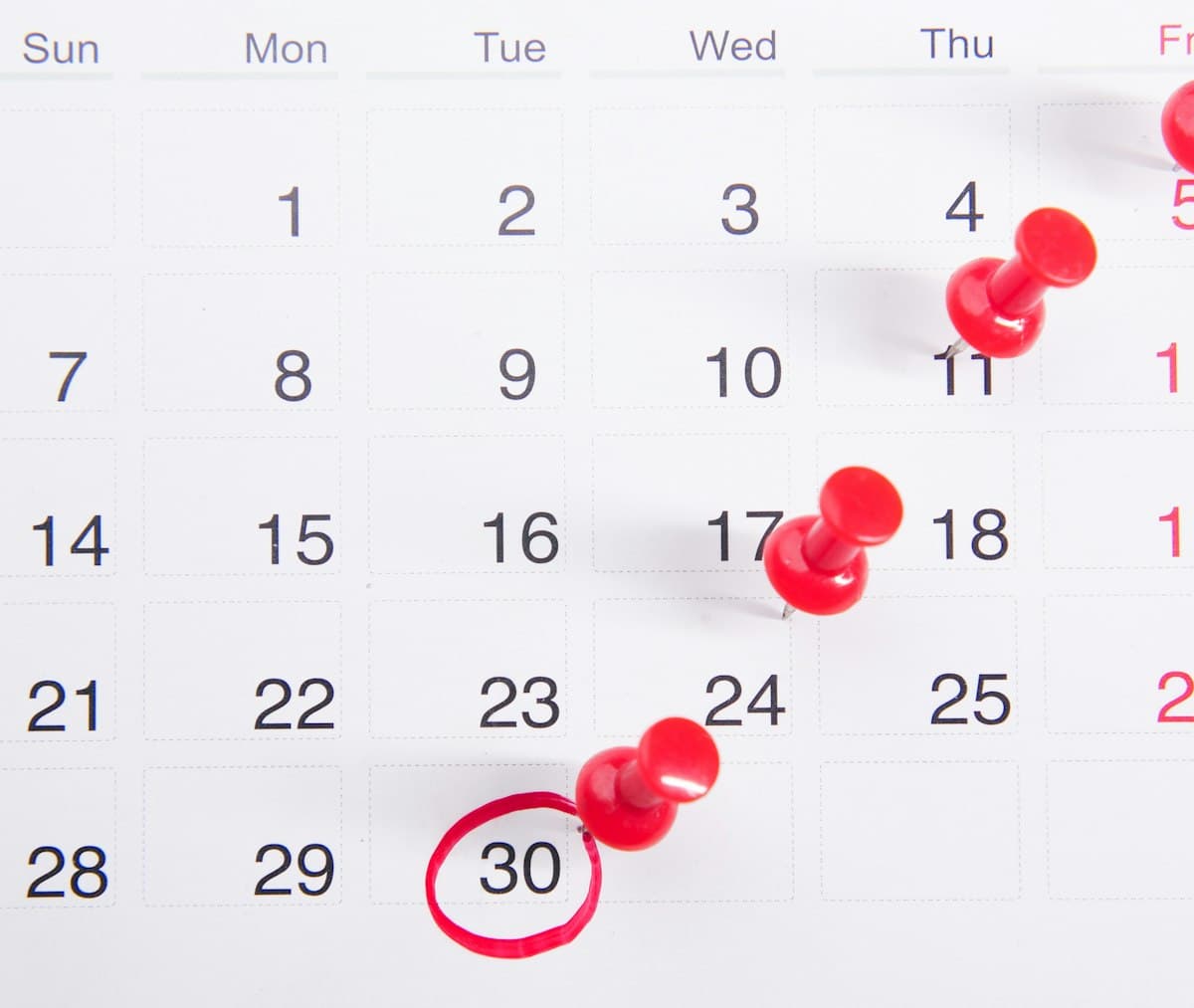
Business Days vs Calendar Days
A business days calculator counts only the working days between two dates. It skips weekends and any public holidays you list, so you get the number of days that people can genuinely work, ship or respond.
Unlike a simple calendar count, this tool lets you define the weekend yourself. That matters when your team works Sunday to Thursday, runs a six-day week or observes company-specific closures.
Counting or Adding Working Days
Choose a mode: count business days between two dates, or add a number of business days to a start date to find a deadline.
- Custom weekends: Tick the days of the week that are non-working for you.
- Excluded holidays: Add individual dates and they are removed from the count only if they fall on a working day.
- Include or exclude the end date: Match the way your contract or SLA counts days.
- Full breakdown: Business days, weekend days, holidays skipped and total calendar days.
- Deadline mode: Add or subtract working days from any date and see the resulting weekday.
A holiday that lands on a weekend is not counted twice, so the totals always add up to the calendar span.

Why Counting Business Days Matters
Deadlines, delivery promises and payment terms are almost always written in business days, yet calendars only show calendar days.
- Estimate shipping and delivery windows realistically.
- Work out invoice due dates and payment terms such as “net 10 business days”.
- Plan project timelines and notice periods without over-promising.
- Calculate leave, processing times and statutory response periods.
- Support teams that work non-standard weeks in the Middle East, Asia or shift-based industries.
Using the business days between two dates instead of calendar days keeps your commitments accurate and your customers informed.
Worked walkthrough: a delivery promise
A supplier promises delivery within 10 business days of an order placed on Monday 6 July 2026. With Saturday and Sunday as the weekend and no holidays, ten working days after that Monday lands on Monday 20 July 2026. If 9 July is a public holiday and you add it to the holiday list, the calculator skips it and the date moves to Tuesday 21 July. Switching to “between two dates” mode with 6 July and 20 July confirms the same 10 business days, and shows the 14 calendar days and 4 weekend days involved.
Practical tips for Business Days calculations
- Decide first whether the start day counts. Many contracts count from the day after an event, so start the calculation on the next business day if that is your rule.
- For a Sunday-to-Thursday working week, tick Friday and Saturday as the weekend instead of the default Saturday and Sunday.
- Add local and regional holidays too, not only national ones – a single missed holiday can move a deadline by a full day.
- Use the negative option in “Add business days” to work backwards, for example to find the last date to place an order for an event.
- Half days and company shutdowns can be added as holidays, but partial days are not counted – treat them as full days off or full working days.
Business days, working days and calendar days
A calendar day is any day on the calendar. A business day, or working day, is a day on which work normally happens, which usually means Monday to Friday minus public holidays. Many contracts and delivery promises are written in business days, so a “10 business day” window is longer than ten calendar days: from Monday 6 July 2026 to Monday 20 July 2026 there are 14 calendar days but only 10 business days.
Watch the wording of payment terms. “Net 30” normally counts calendar days, whereas a deadline written as “within 10 working days” does not count weekends or holidays.
Whether the start and end dates count
The most common source of an off-by-one answer is whether the last day is included. By default the range runs from the start date up to, but not including, the end date. Tick the option to include the end date and the same July range becomes 11 business days instead of 10, because the final Monday is counted. Decide which convention your contract or process uses before you rely on the number.
Weekends that are not Saturday and Sunday
In some countries the working week runs Sunday to Thursday, so Friday and Saturday are the weekend. Choose your weekend days and the count changes accordingly: the range from Sunday 4 to Thursday 8 October 2026 has 5 business days with a Friday–Saturday weekend but 4 with a Saturday–Sunday weekend, because Sunday no longer counts.
Holidays and adding working days to a date
Add each public holiday as a date and it is skipped whenever it falls on a working day. Ten business days after Friday 4 September 2026 lands on Friday 18 September. Add Monday 7 September as a holiday and the answer moves to Monday 21 September. Holidays that fall on a weekend change nothing, so you can list them without checking.
Public holidays differ by country and, in some places, by region, so list the ones that apply where the work is done. Half days and company shutdowns are not counted partially: treat them as full days off or full working days.
To work backwards, such as finding the last date to order something for an event, enter a negative number of days. From Friday 20 November 2026, five business days earlier is Friday 13 November.
Business days versus other date tools
Use this calculator when weekends and holidays matter. When they do not, the date difference calculator gives the plain gap in days, weeks and months, and the work hours calculator turns the days you work into hours and pay.
Frequently Asked Questions (FAQs)
Leave the start date as today (the calculator fills it in for you), switch to “Add business days” and enter 2. Weekend days and any holidays you add are skipped. With a Saturday and Sunday weekend and no holidays, 2 business days from a Thursday is the following Monday, and from a Friday it is Tuesday. If that Monday is a holiday you have added, the answer moves to Tuesday.
Enter a start and end date, keep Saturday and Sunday ticked as weekend days (or change them), add any holidays and press Calculate. The result shows the working days in that range.
Yes. Tick any combination of weekdays as non-working. For example choose Friday and Saturday for a Middle Eastern week, or only Sunday for a six-day working week.
Pick a date and add it to the holiday list. Each listed date that falls on a working day reduces the business-day total by one. You can remove a date at any time.
The start date is always counted if it is a working day. Use the “Include end date” option to decide whether the end date is counted too.
Yes. Switch to “Add business days”, enter a start date and a number of working days, for example 10, and the calculator gives you the resulting date. It counts only workdays, so your weekend days and any holidays you list are skipped along the way. Use a negative number to count backwards from a deadline.
Enter the earlier date as the start date and today’s date as the end date. The calculator counts the working days between them, leaving out weekends and any holidays you list.
No. If a holiday already falls on a day you treat as a weekend, it is only skipped once, so the total does not change. Add only the holidays that fall on your working days.
Enter today’s date as the start and the deadline as the end. The result counts the business days between them, skipping weekends and any holidays you list.
Pick which days count as your weekend, add the public holiday dates you want skipped, and the calculator leaves them out of the total.
With a Monday-to-Friday week and no holidays, 11 business days is two full working weeks plus one more working day, which spans 15 calendar days. For example, 11 business days after Monday 5 October 2026 is Tuesday 20 October 2026. Any holidays you add push the date later, and a different weekend pattern changes the result.
Yes. Add the number of business days a supplier quotes to the order or invoice date. Include any holidays the carrier or bank observes for a realistic date.
Confirm official deadlines. Results follow the calendar rules described on this page. Contracts, court time limits and official deadlines can count days differently, so confirm any legally important date against the governing document. See our full disclaimer.
Guides that use this calculator
- How Long Is 11 Business Days? Weekends, Holidays and Examples – 11 business days is usually 15 calendar days, or 17 from a Friday. See examples from every weekday, a 1–15 day table, and how holidays change it.